What is touch typing?

Touch typing is the skill of being able to type without looking down at the keyboard. Practising typing technique can increase your child's confidence when using a keyboard and develop their muscle memory.
Touch typing can be a difficult skill to master. However, it can sometimes be faster than writing. By regularly practising and by completing typing exercises your child can improve both their typing speed and accuracy.
Why is it important to learn how to touch type?
For children aged 5-11, understanding the keyboard layout is a new skill and challenge. Completing typing activities that use a qwerty keyboard can improve their typing speed and accuracy. This can also be useful when teaching your child to spell or about different letter patterns. To help your child understand and test their knowledge of a keyboard layout of a keyboard, use our 'fill in the missing keys' activity.
For children aged 11-16, knowing how to touch type can also help with note taking and revision. Regularly looking up and down from screen to keyboard can cause typing errors and this can slow down productivity and flow of typing. By practising this skill, students will be able to take notes without interrupting their focus.
Top tips for teaching children to type
Teaching a child to type can change the way they work on a computer. From typing essays to note taking, touch typing can help to give them a boost with spelling, reading and general digital literacy too. To help with practicing regularly, use our free touch typing target tracker to help you get started.
Whilst practising regularly is key to perfecting this skill, there are other tips which can also help.
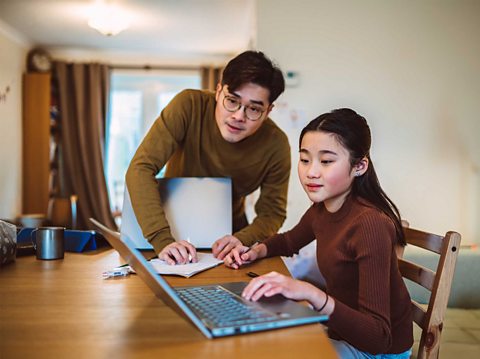
- Find a comfortable working position: Try sitting up straight with your back against the chair and your feet on the ground. If possible, find support for your wrist and forearm.
- Keep your eyes on the screen: When you are typing, you should try not to look down at your hands. To help, try covering your hands so you aren’t tempted to watch your fingers move.
- Practise your hand positioning: Keep your fingers curved and upright with your thumbs hanging by the space bar.
- Take regular breaks: You should take a rest to relax your hard and arm muscles if you get tired.
Touch typing practise: Play Dance Mat Typing
Put your skills to the test with this Bitesize BBC touch typing game, Dance Mat Typing.
Dance Mat Typing is a game split into four levels of play, each with three stages.
In this game, your child will practise:
- typing letters in rows
- typing keys on the home row
- typing capital letters, apostrophes, slashes and full stops
Each game level will build on previous lessons and introduce new letters as you progress, to give your child plenty of touch typing practise. As you move through each level, use our Dance Mat Typing checklist to track your child's progress.
Play with your child to improve your skills and then test your speed too!
